

Repair estimate
“Can I get an estimate
for a repair?”
A customer needs a clear answer.
JetSynapse AI builds business operating systems. Our current focus is BusinessOS: a managed customer follow-up and visibility system for owner-led local service businesses.
Bring one important customer path into view—what came in, who owns it, and what happens next.
One connected architecture
Different work calls for different systems. We’re building the JetSynapse family around that idea, starting with BusinessOS.
Scroll through the spectrum
A managed customer follow-up and visibility system for owner-led local service businesses.
Explore BusinessOSA premium architecture reference for luxury residential operations.
Explore the architectureContent and monetization infrastructure.
View the OS familyOperating infrastructure for builders.
View the OS familyReferral and partner infrastructure.
View the OS familyThe shared architecture beneath the family.
The BusinessOS method
Give the next step an owner. We map one customer path and agree who handles each handoff.
Put the plan to work. We install the agreed pieces and check each handoff before the process goes into use.
Keep the path in view. Each month, we review what needs attention and provide a report, covered upkeep and support.
BusinessOS in practice
A new inquiry shouldn’t become a guessing game. Follow one estimate from the first request to the next follow-up.
Explore BusinessOSOpen each step to follow the path.One customer path, from inquiry to review.
Start with the request. Keep the details together so the team has a clear place to begin.
Make ownership clear. The office team can see who should respond and what they need to do next.
Sending the estimate is one step. Keep the follow-up visible until the team records what happened next.
Look at what’s still open. Review what needs attention and agree the covered upkeep. Your team still needs to follow through.
An illustrative customer path. Your entry points, responsibilities and service scope are agreed in writing.
BusinessOS in practice
BusinessOS keeps the customer’s request, the person responsible,
and the next action together.
Repair estimate
“Can I get an estimate
for a repair?”
A customer needs a clear answer.
Your team knows who is handling it.
You can see what still needs attention.
Illustrative example. Your process and responsibilities are agreed in writing.
Illustrative example
One customer path, from inquiry to review.
BusinessOS, explained
Explore the three-step method, who it’s for, and what happens after a Local Growth Call. The recorded walkthrough is coming soon.
BusinessOS walkthroughComing soon.Explore BusinessOS
I’m Alex, founder of JetSynapse AI.
A graphics card at around 12. My first business at 17. The path that brought me to JetSynapse.


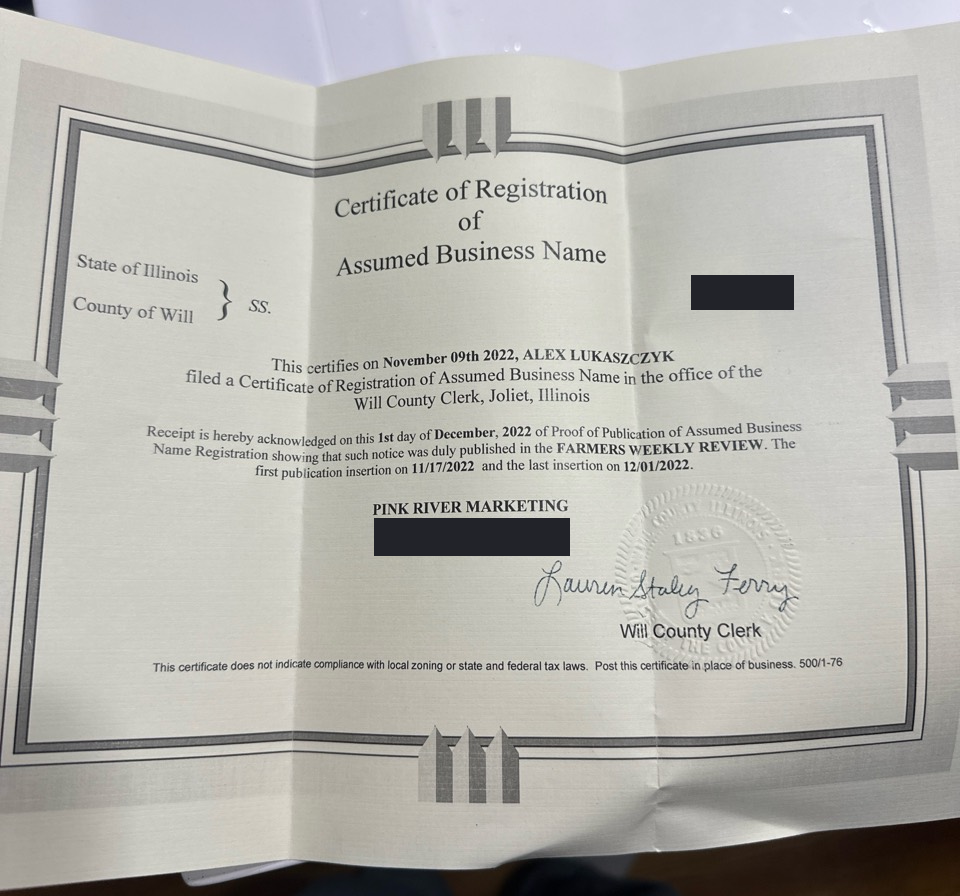

I started by learning how the parts connect. That work continues at JetSynapse, one customer path at a time.
Book a Local Growth Call Read Alex’s story About JetSynapseClient work · McNaughton Development
Two communities. A path from first impression to showing. For Hidden Oak in Highland Park and Deer Trail of Long Grove, we built campaign assets, dedicated landing pages, qualification, booking, reminders and follow-up.
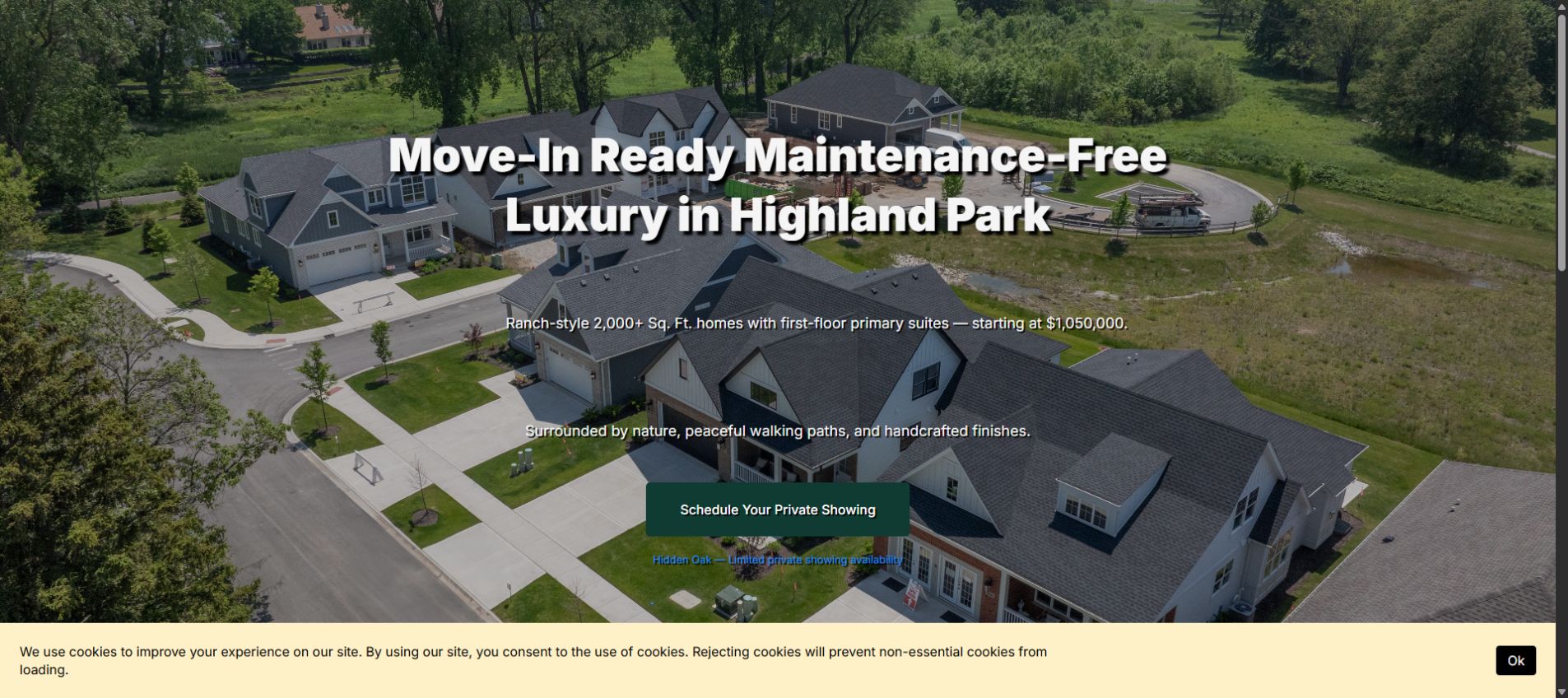
Campaign creative, landing and booking pages, reminders and check-in paths.
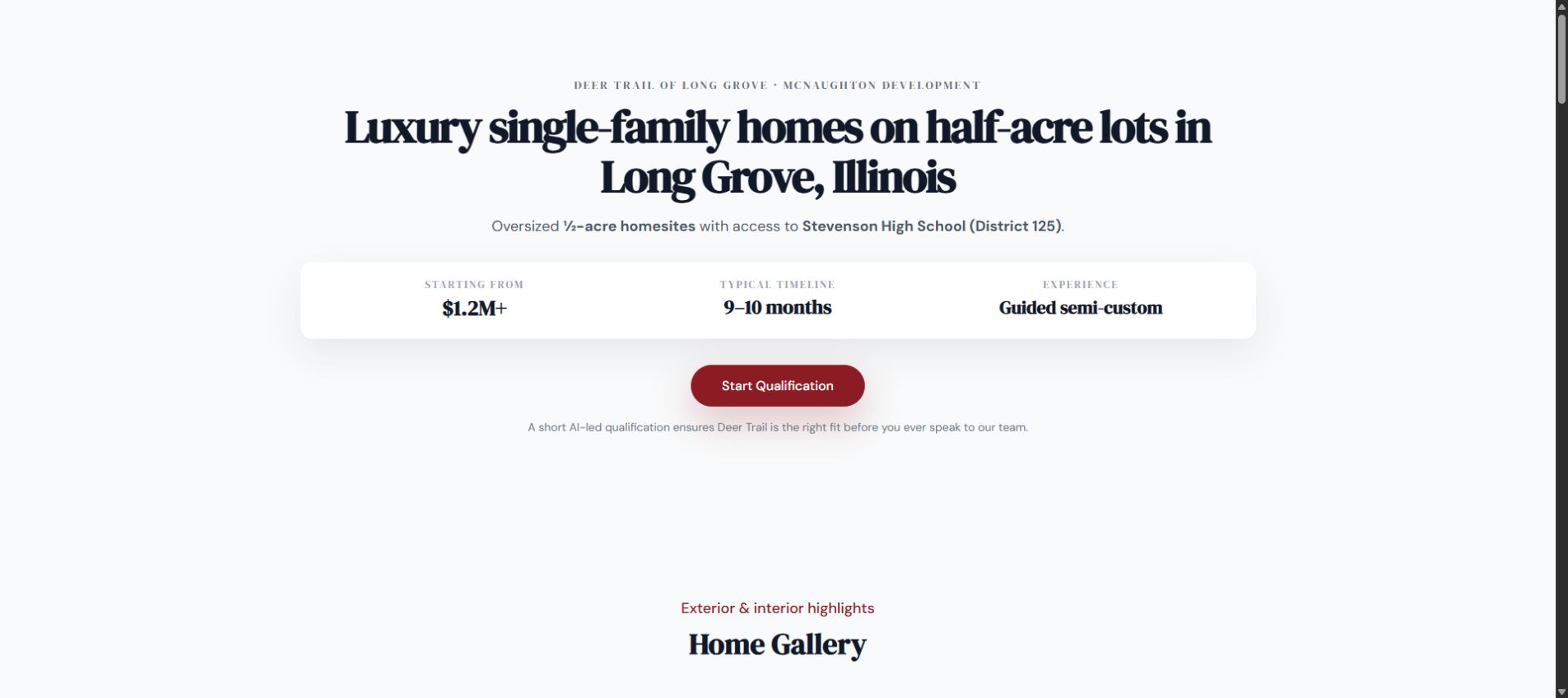
Educational landing pages and qualification around process, timeline and budget.
Before you take the next step, get clear on the fit, the setup and what happens after the call.
BusinessOS is for owner-led local service businesses that want to see who is following up and what happens next. We start with one important inquiry or estimate path.
Show us what you use today. We’ll look at the customer path first, then agree any changes, connections or replacement work in scope.
The work continues with required monthly Steward service: a customer path review, a report, covered upkeep and support within your agreed scope. Live BusinessOS access requires an active subscription. Explore monthly Steward service
If BusinessOS fits, we’ll explain the next step and proposed scope. You review it before deciding. Booking the call starts no paid service.
Bring one inquiry or estimate. In 20 minutes, we’ll look at how your team follows up and whether BusinessOS fits.
Booking the call starts no payment, installation, monthly service or client access.
Choose a time below. If the embedded calendar is unavailable, open it in a new tab.